Step 1:
Connect Your Scanner to Prizm
Send a Case via Scanner
- 3Shape TRIOS® >
- iTero® >
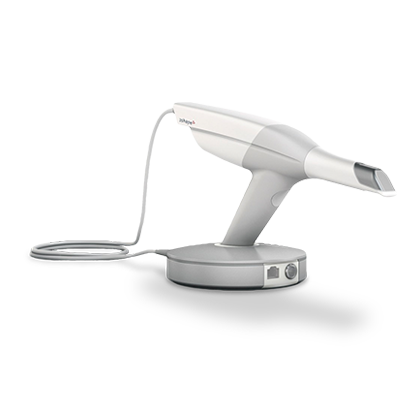
3Shape TRIOS®
Connect your scanner with Prizm Dental Studio:
- Go to us.3shapecommunicate.com in a web browser
- Connect with Prizm Dental Studio by searching prizmdentalstudio@gmail.com
- After connecting to us as a Lab, select PD when sending files
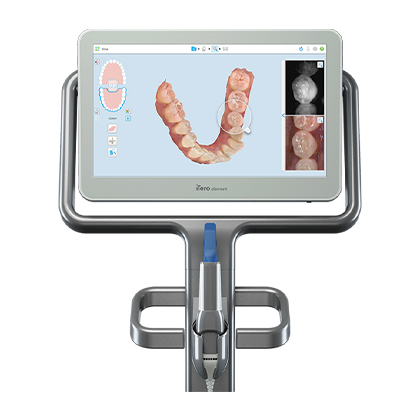
iTero®
Connect your scanner with Prizm Dental Studio:
- Call 800-577-8767 and Select Option #1
- Request that Prizm Dental Studio is added to your scanner and identify our lab using our phone number 952-217-6217 or our lab ID# 135123
- After Prizm has been added, restart your scanner
- After connecting to us as a lab, select Prizm Dental Studio on your scanner when sending files